Timers for Manual Time Tracking
Last updated: August 21, 2026
Billables supports however you time capture whether that is 📄 Adding a Time Entry from Notes, 📄 Voice to Text Entry, or timers.
Manual timers in Billables AI
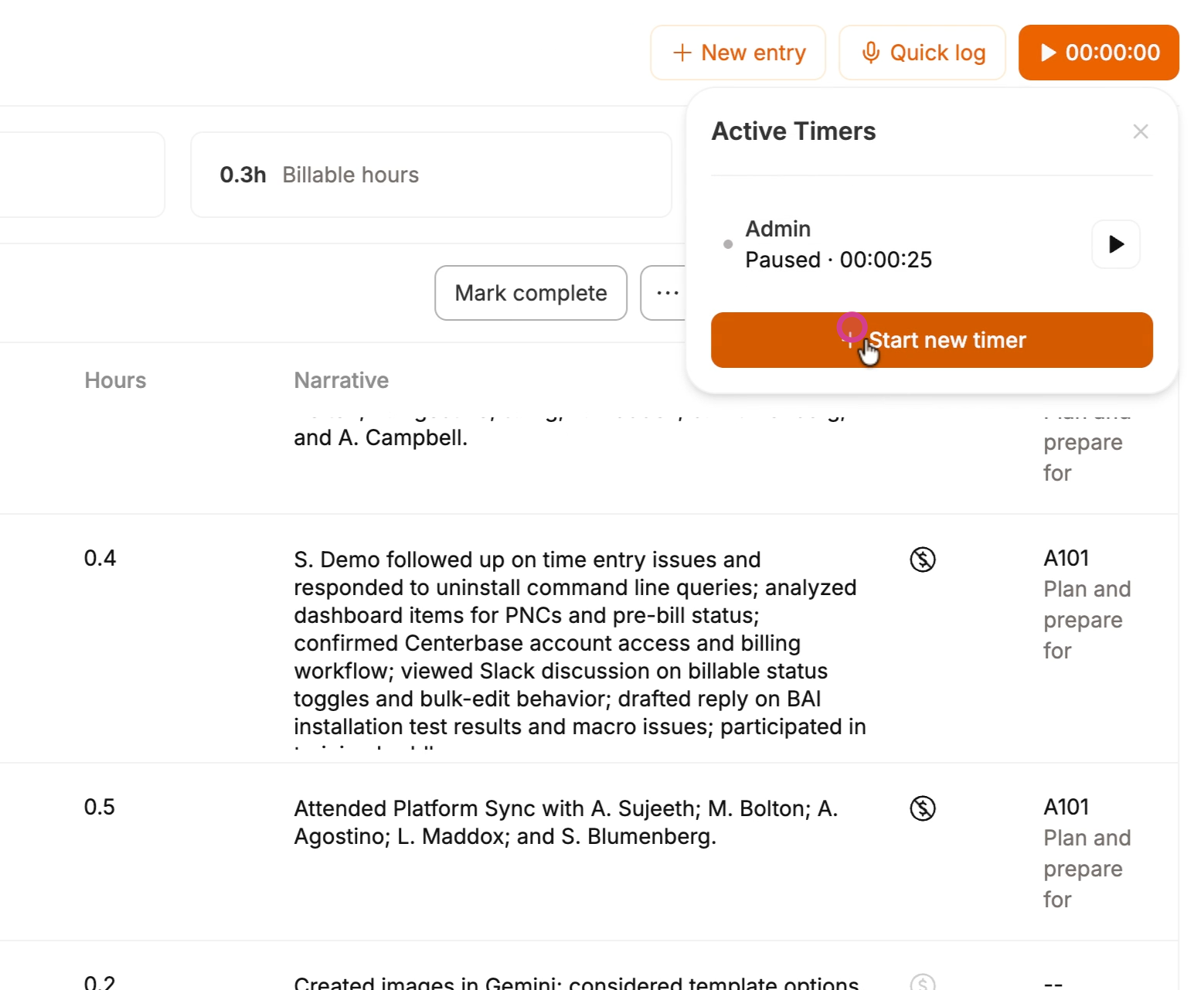
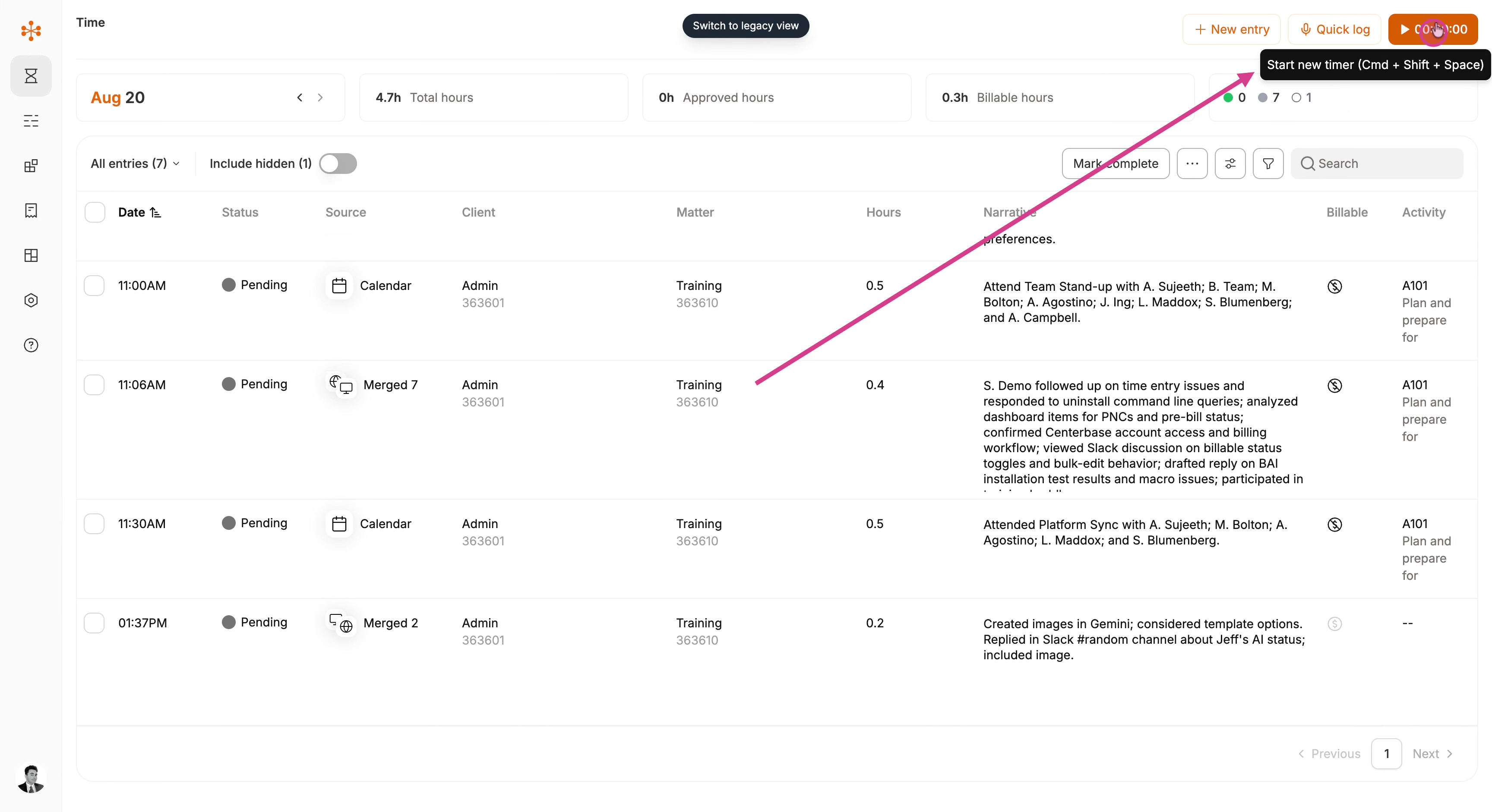
To start a timer, click the Start new timer button in the top right corner of your dashboard.
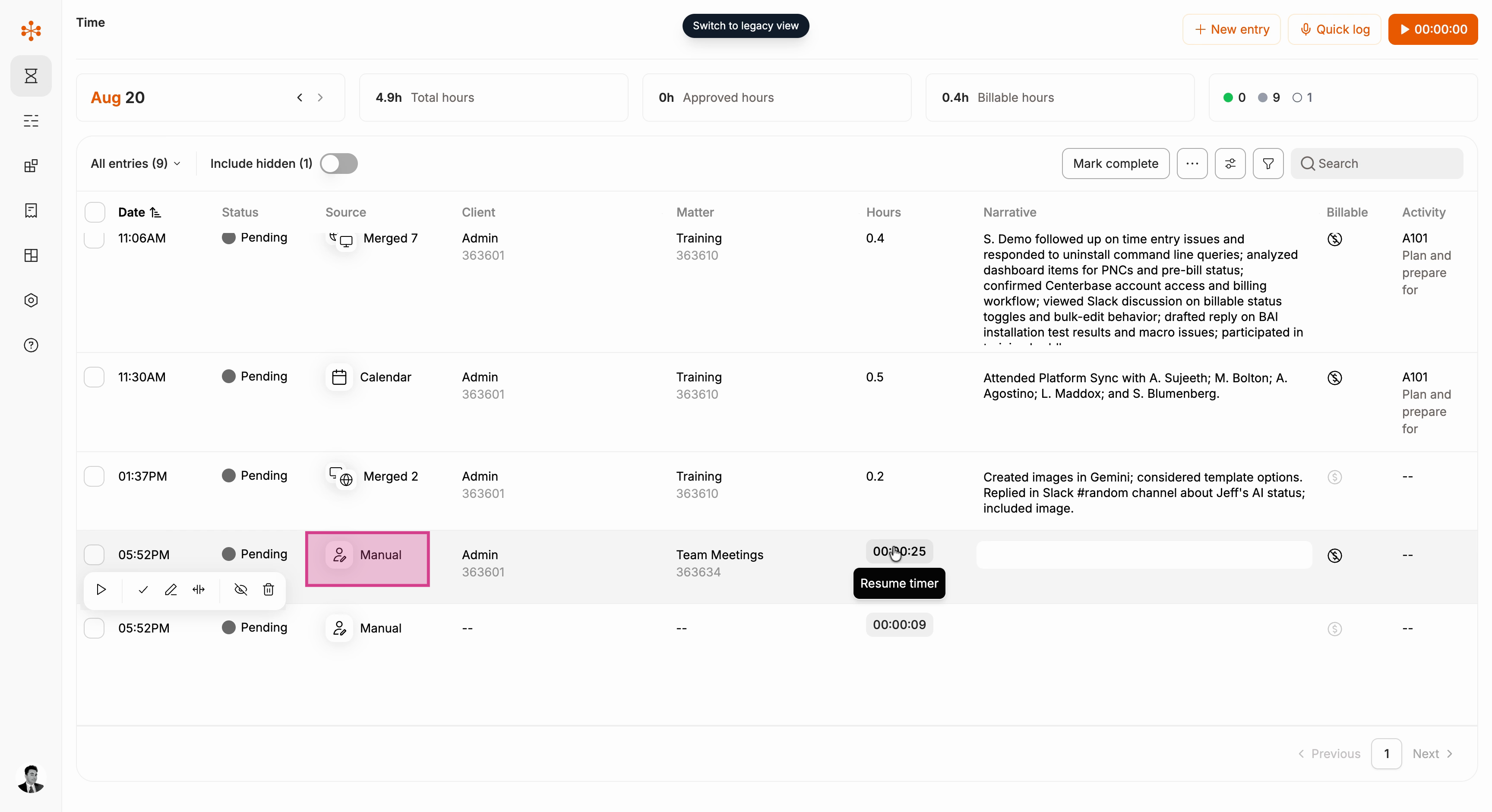
Timer-created entries, like other manually created entries will show up as as a time entry in your dashboard, denoted with the manual creation icon.
Returning to the Start new timer button will display all current (unapproved) timers and give you the option to start another one.