
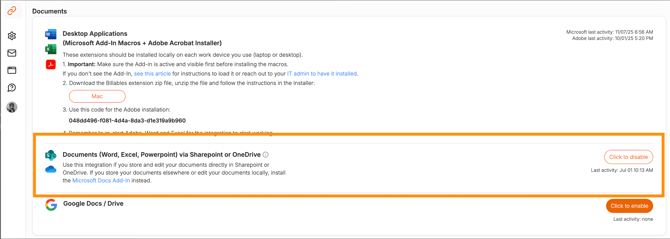
If your team primarily works in the desktop versions of Word or Excel, we recommend installing the Word Add-In. This enables comprehensive tracking of your billable work within those applications, ensuring a complete and accurate record of your activity.
FAQ
Will Billables track my idle time? What if I open a doc and walk away?
Billables will only track active time spent editing a document. If you stop making changes in a document, the time will stop counting.
Does Billables include reading time?
With the Sharepoint/OneDrive integration, Billables does not track time spent reading documents passively with no changes to the document itself. It will track time if minor changes are made to the document. If you want to capture reading time, we recommend installing the Microsoft Docs Add-In.