
1) From the Time Entry Dashboard page on Billables AI, you can select time entries and then click the "edit" button.
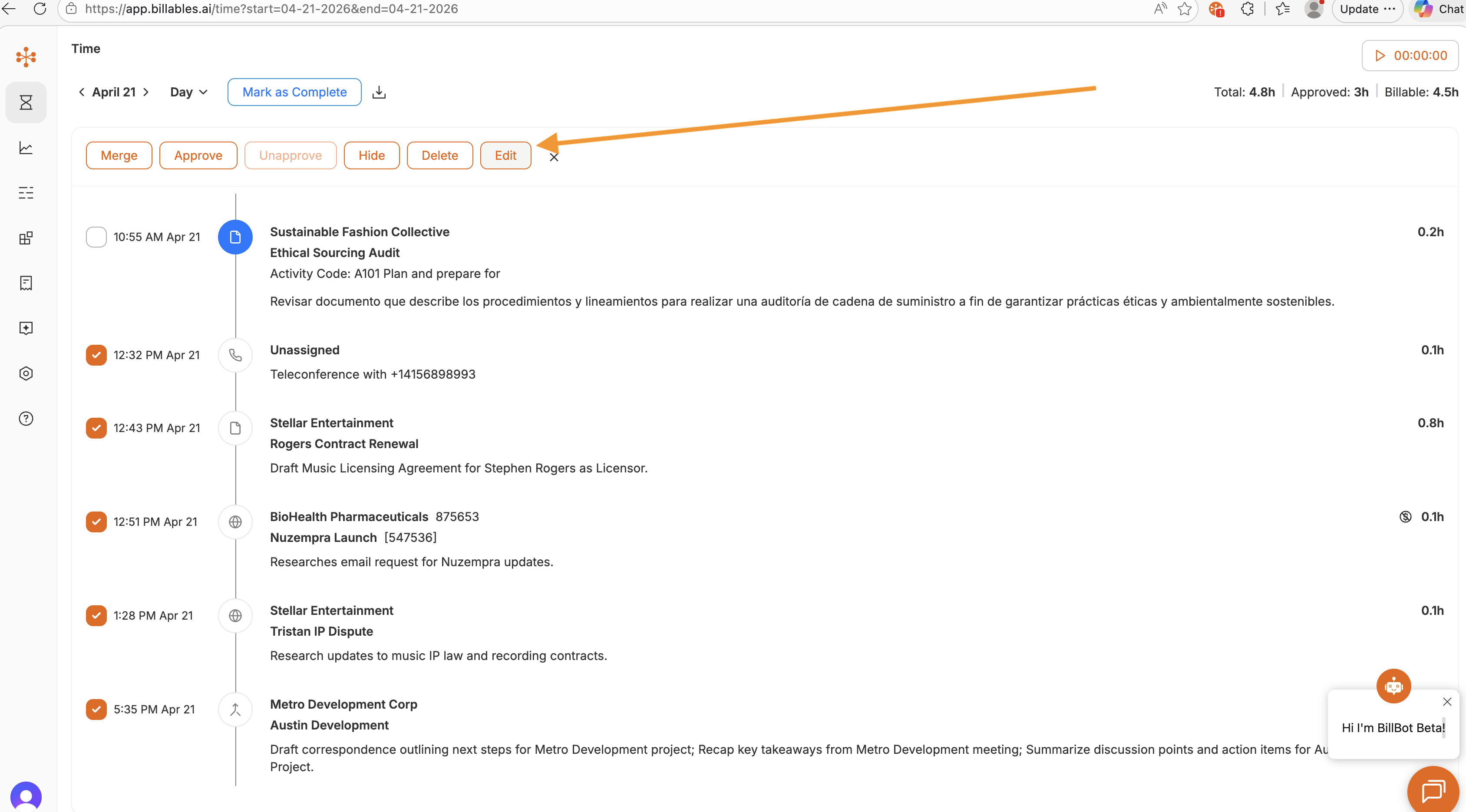
2) Once you click "edit," then you can select the fields you would like to change for all the selected entries.
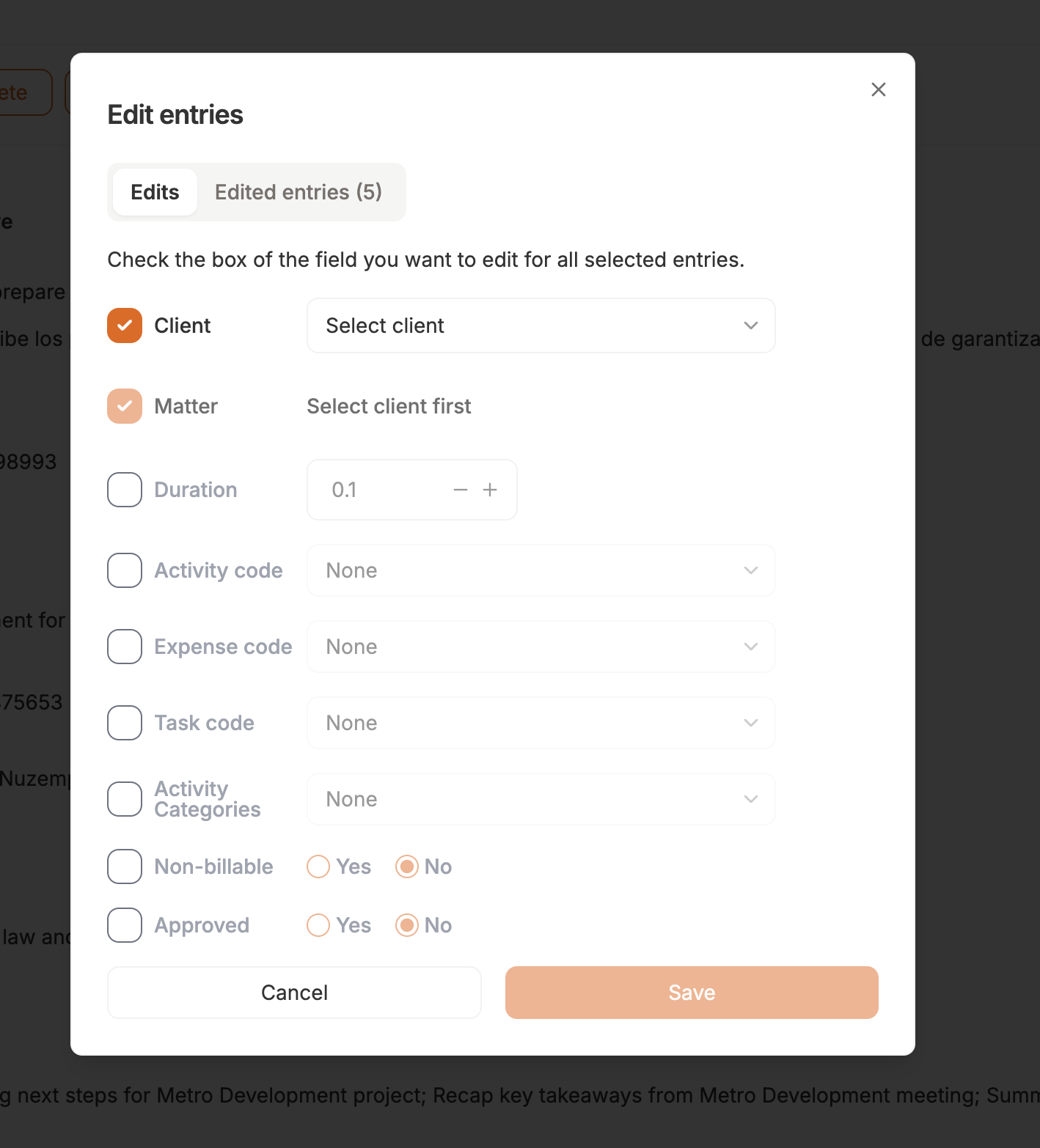
This is a useful feature especially in the early days of your Billables AI usage when Billables AI is still learning your client and matter associations. This feature is also useful if your firm
-
changes required codes
-
you realize you assigned the wrong code to a series of entries
-
you want to un-approve entries
-
or you want to under-report the duration of a series of entries.