
- Your trial period has ended. If your firm did not transition to a paid plan, your account access will have been deactivated. To reactivate, please reach out to your Billables AI account manager or contact our support team (support@billables.ai).
- You may be using a different email address. Try signing in with any other email addresses you may have used during registration. If you're unsure which email is associated with your account, contact support and we can look it up for you.
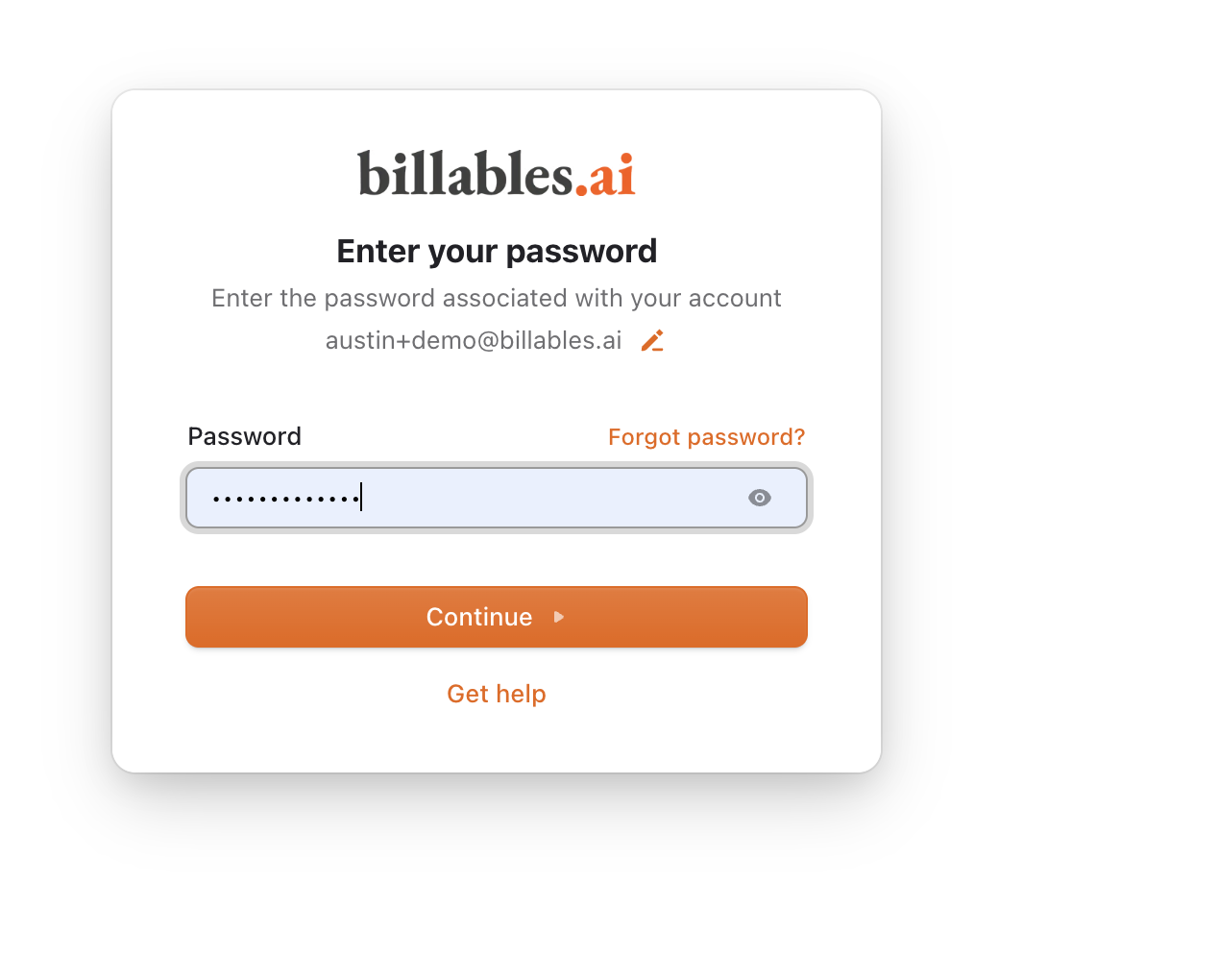
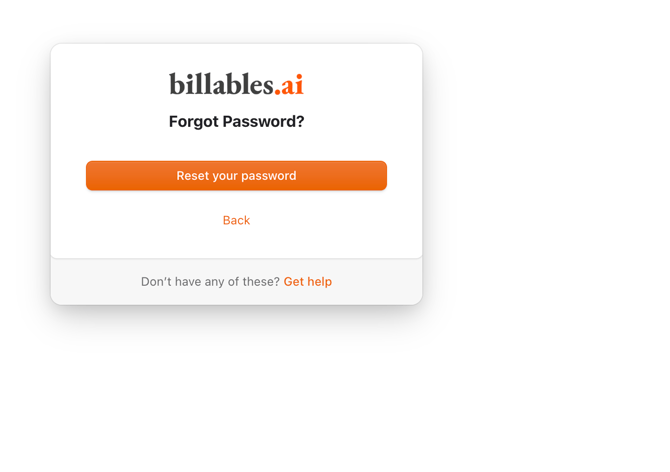
- Incorrect password. If you've forgotten your password or believe it may be incorrect, use the Forgot Password link on the login page to reset it.
Please reach out to support@billables.ai for assistance.