
If there is activity that Billables AI is not able to capture (e.g. an in-person conversation or a non-integrated app), you can use a start-and-stop timer to capture time manually. Just click the timer button in the top right corner of your dashboard

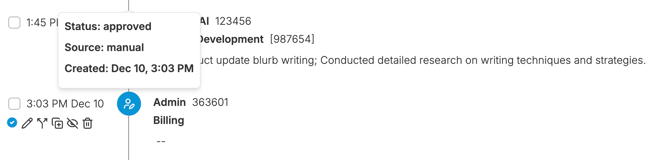
Timer-created entries, like other manually created entries will show up as as a time entry in your dashboard, denoted with the manual creation icon.
Each time you start the timer it will create a new entry. To add time to an existing timer, find the original timed entry in your dashboard and click on the timer button next to that entry to re-start the time:
