Adding a Time Entry from Notes
Last updated: August 18, 2026
Billables AI turns your description into a properly formatted entry that you can review and approve.
The Add from Notes feature lets you generate a draft time entry by describing the work you did in your own words.
This is helpful when you want to log work that wasn't automatically captured, or when you'd rather type a quick summary than fill out an entry manually.
How to add an entry from notes:
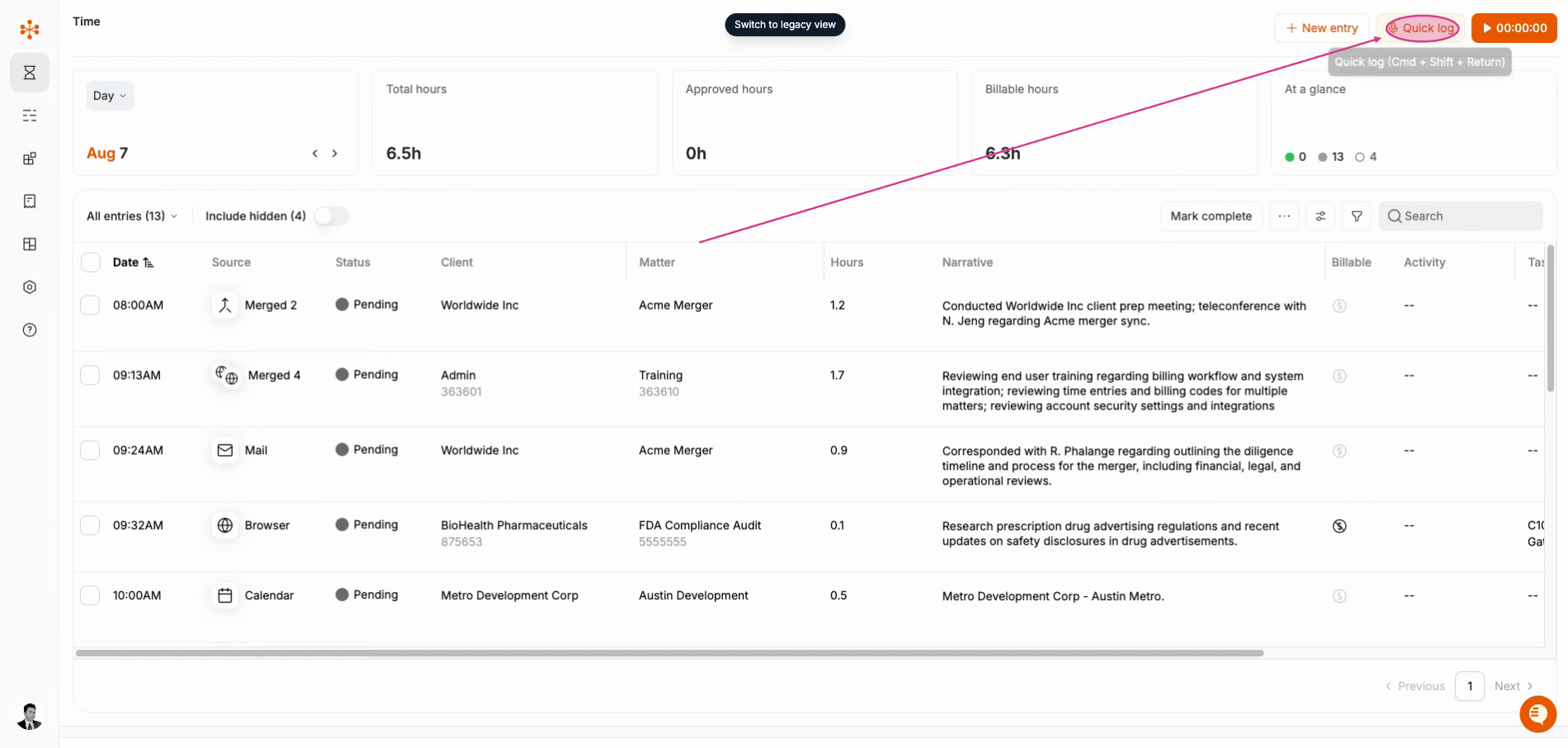
In your Billables AI workspace, navigate to the
Quick logbutton in the top right.
In the Generate entry from notes window, type a short description of the work you did.
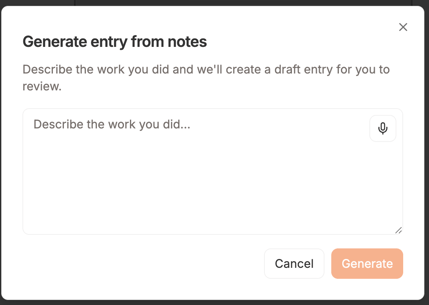
Click Generate.
Billables AI will create a draft entry based on your description. Review it, make any edits you need, and save it like any other entry.
Tips for better drafts
Include the client or matter if you know it.
Mention the type of work (call, review, draft, research, etc.).
Add how long you spent if you remember.
Keep it natural. You don't need to write in billing language. We'll handle that for you.
Related articles
Using voice input with Quick Log