LeanLaw Billing Integration
Last updated: June 3, 2026
The Billables & LeanLaw integration allows for seamless syncing of client matters from LeanLaw to Billables.
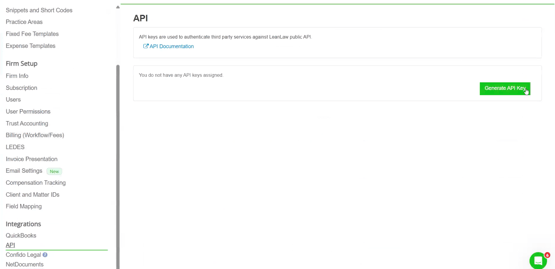
Login to your LeanLaw account and click on Settings in the top right.
Scroll down to the API tab on the left, then click "Generate API key"
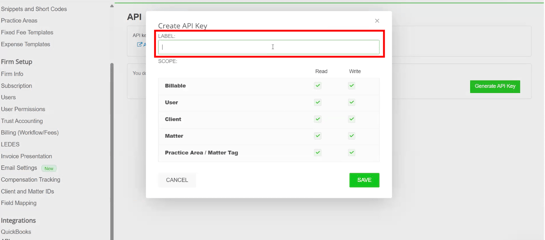
Label the API key "Billables AI", then click "Save":
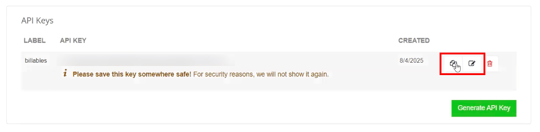
Save the API key somewhere safe, then Copy the code.
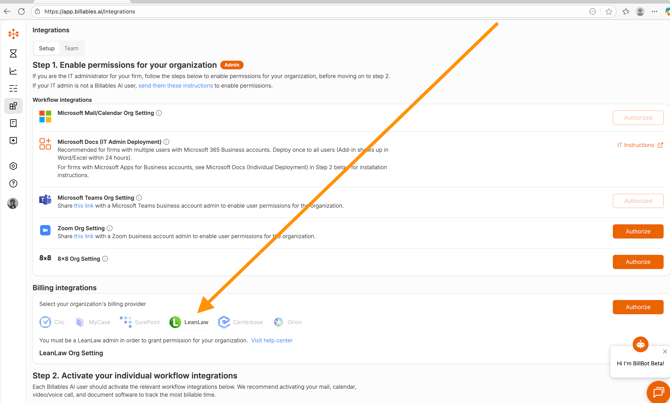
Go to the Billables AI Integrations page and select LeanLaw from the Billing Integrations dropdown, then click "Authorize":
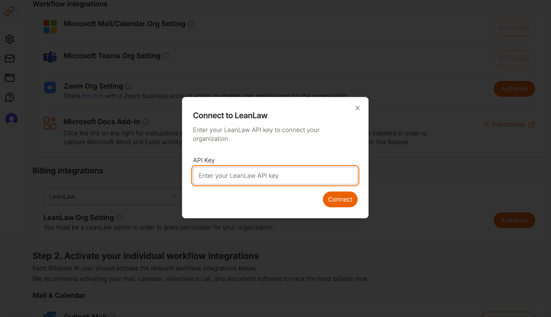
Paste the Leanlaw API code into the pop-up box, then click "Connect"
You should see a Success message pop-up and the LeanLaw integration will show as "Authorized":

Once your LeanLaw integration is enabled…
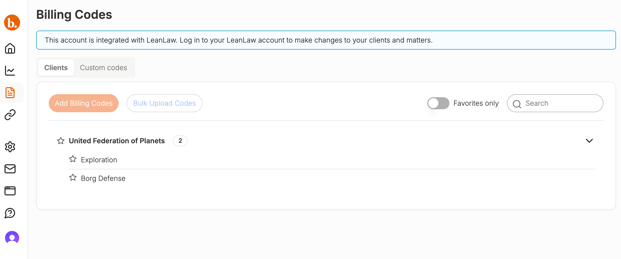
Your billing codes will automatically sync each time a new client or matter is added:
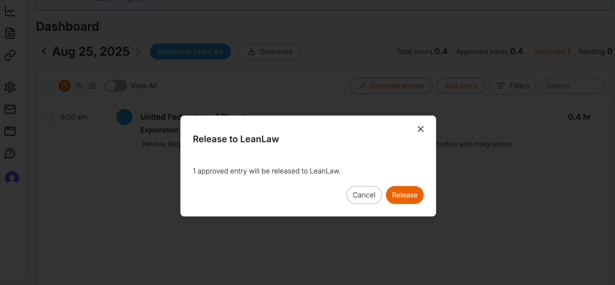
All approved time entries in Billables can be exported to LeanLaw with a click of a button:
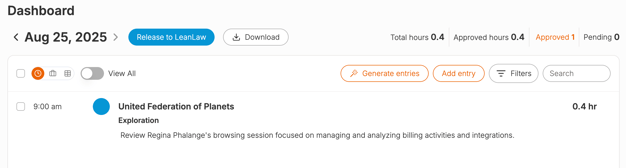
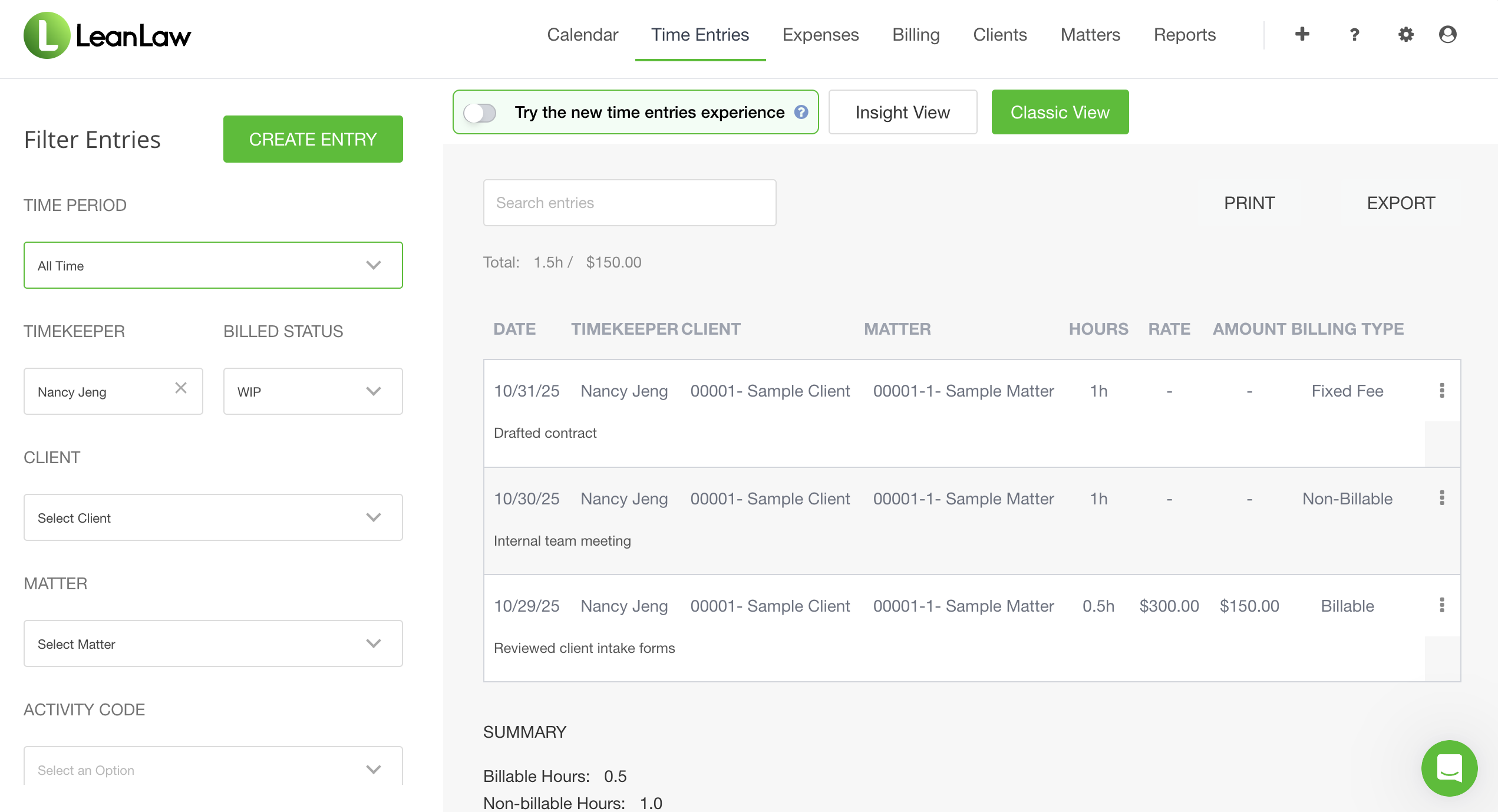
You'll find your released time in Leanlaw under "Time Entries"