
How to Import via Your Billing Platform
Automatic updates to the Billing Code page is currently only supported with the following billing platforms. Select a platform below to review key integration details and platform-specific considerations.
- Clio
- MyCase
- LeanLaw
- Surepoint
- Centerbase
- Orion 🚧
General Instructions:
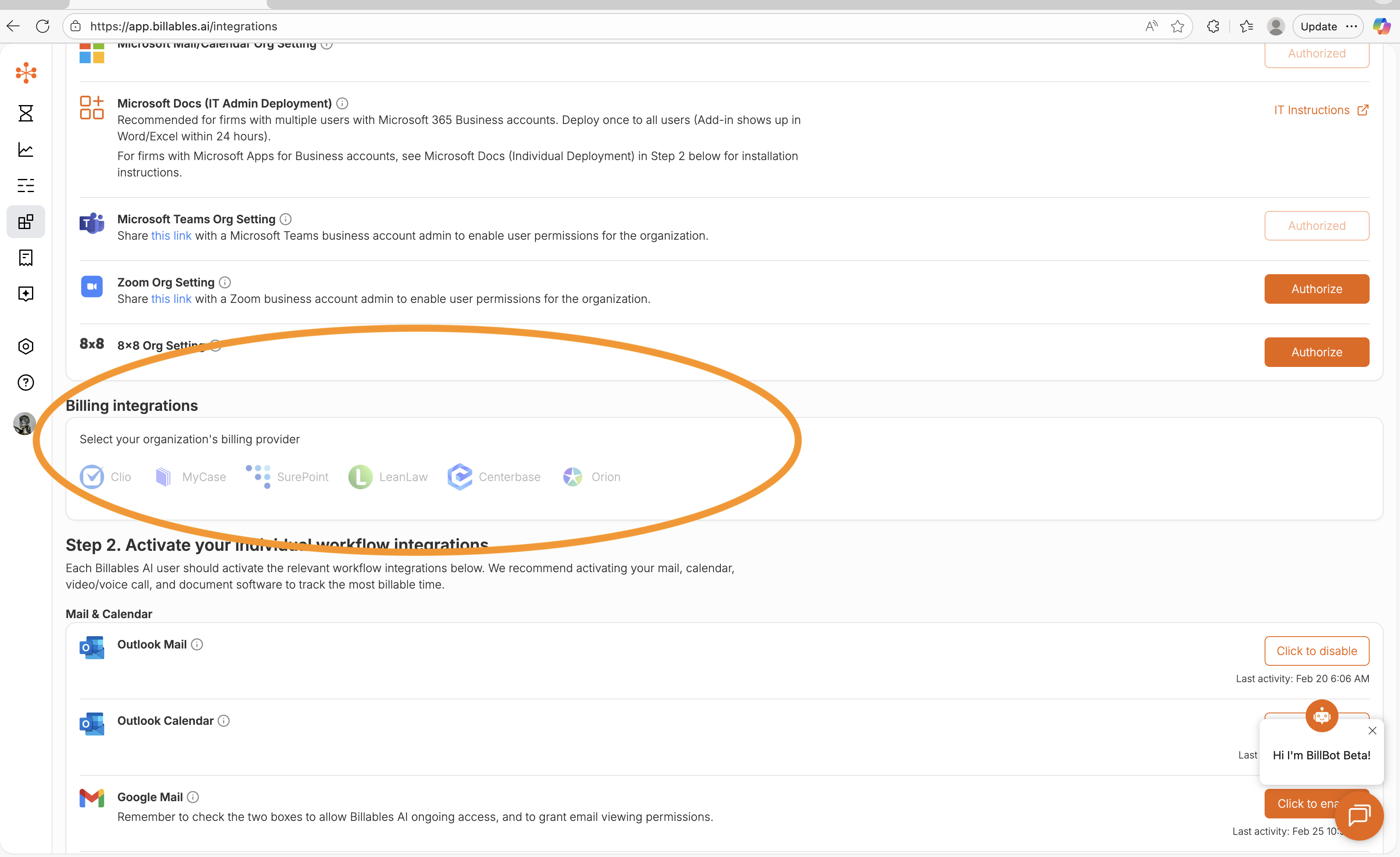
Step 1: If you are use of an eligible billing platform, you should authorize the direct billing integration on the Integrations page.
Step 2: Once you connect your billing integration to your account, clients and matters will start populating on your Billing Codes page.
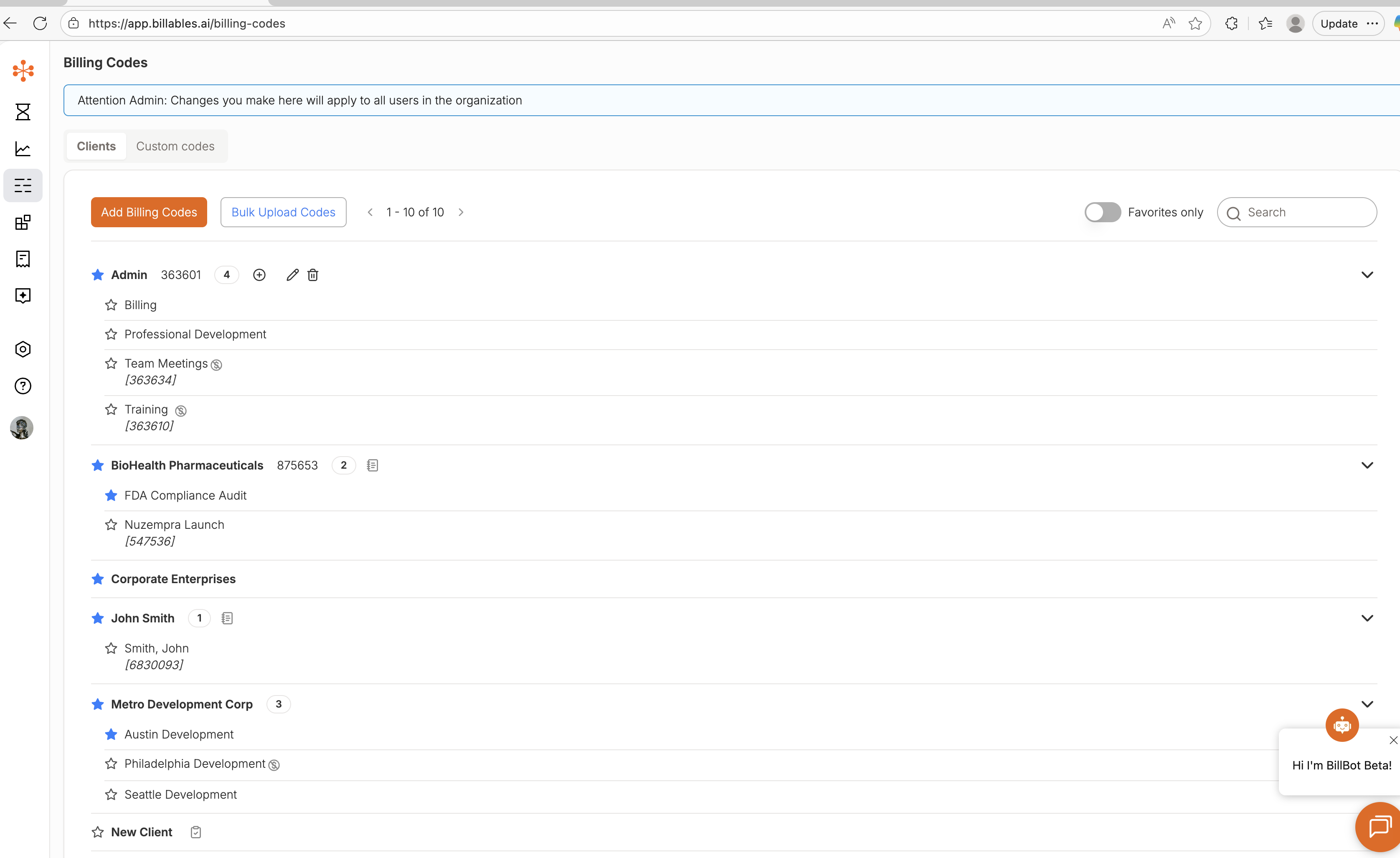
Note: This may take a few hours if you have a very large number of clients/matters.